Click here to see the Sign Up, Log in and Change Plan video.


There are 3 Subscription Plans for the Word Family Reader App.

When you “Sign Up” for the WFR App, you get the “Free” plan (5 books with full

access to all 12 games and activities).

When you are ready to upgrade, click on the “Change Plan” button for the

“Family” or “Classroom” plan.


The 68 books that are included in the “Family” and “Classroom” plans

contain:  25 Short Vowel Books, 10 Blend Books, 17 Long Vowel Books,

17 Vowel Team Books and 5 R-Controlled Vowel Books.


Here is how to change your “Free” plan to the “Family” or “Classroom” plan:

1. Log in.

2. Click on “My Account” (top menu bar).

3. Under the “Profile” tab, scroll down to the “Subscriptions” section.

    Your “Current Plan” (blue box) is the Free Plan.

4. Click on “Change Plan” (green box) for “Family” or “Classroom” plan.

5. Fill in payment information.

6. Click on “Save.”


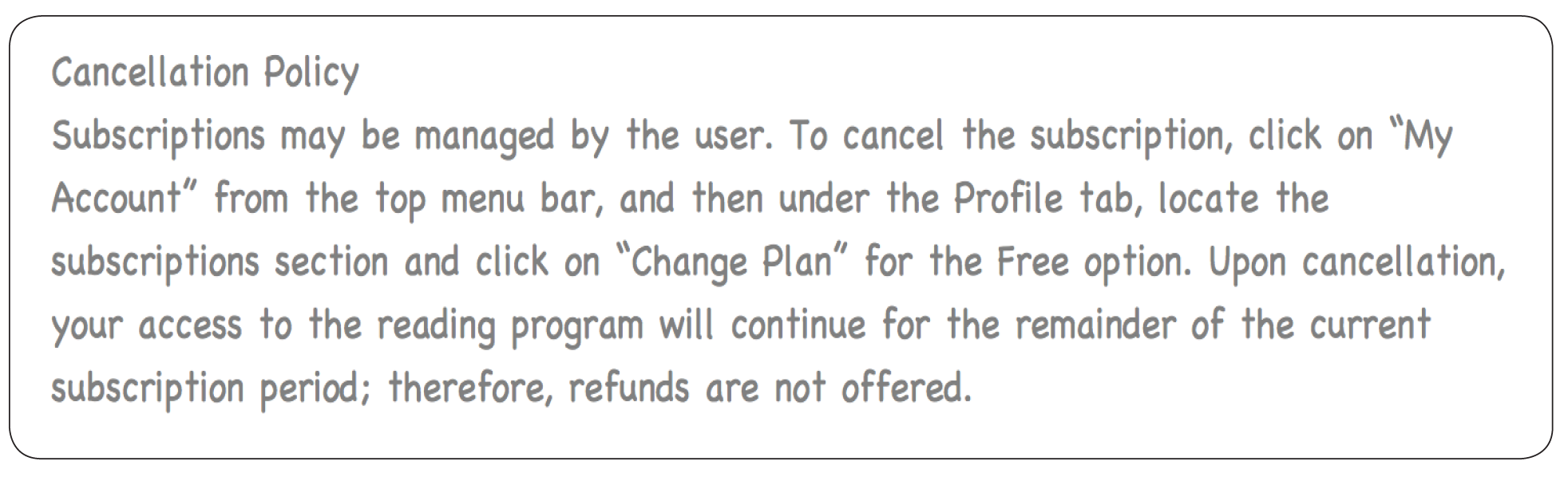
See the “no hassle” Cancellation Policy below.   In the WFR App, it is found under

“My Account” on the “Profile” page.


If you have any comments or questions about this app, please email me, Arlene Martin, at wordfamilyreaders@gmail.com.  I will be happy to assist you in anyway that I can.

Enjoy reading success with the Word Family Readers App!

https://www.wordfamilyreadersapp.com